Give God the first minutes of your day.
Prayer Lock gently holds your phone until you have spent time with God. Let prayer come before the scroll, and let your quiet time be protected.

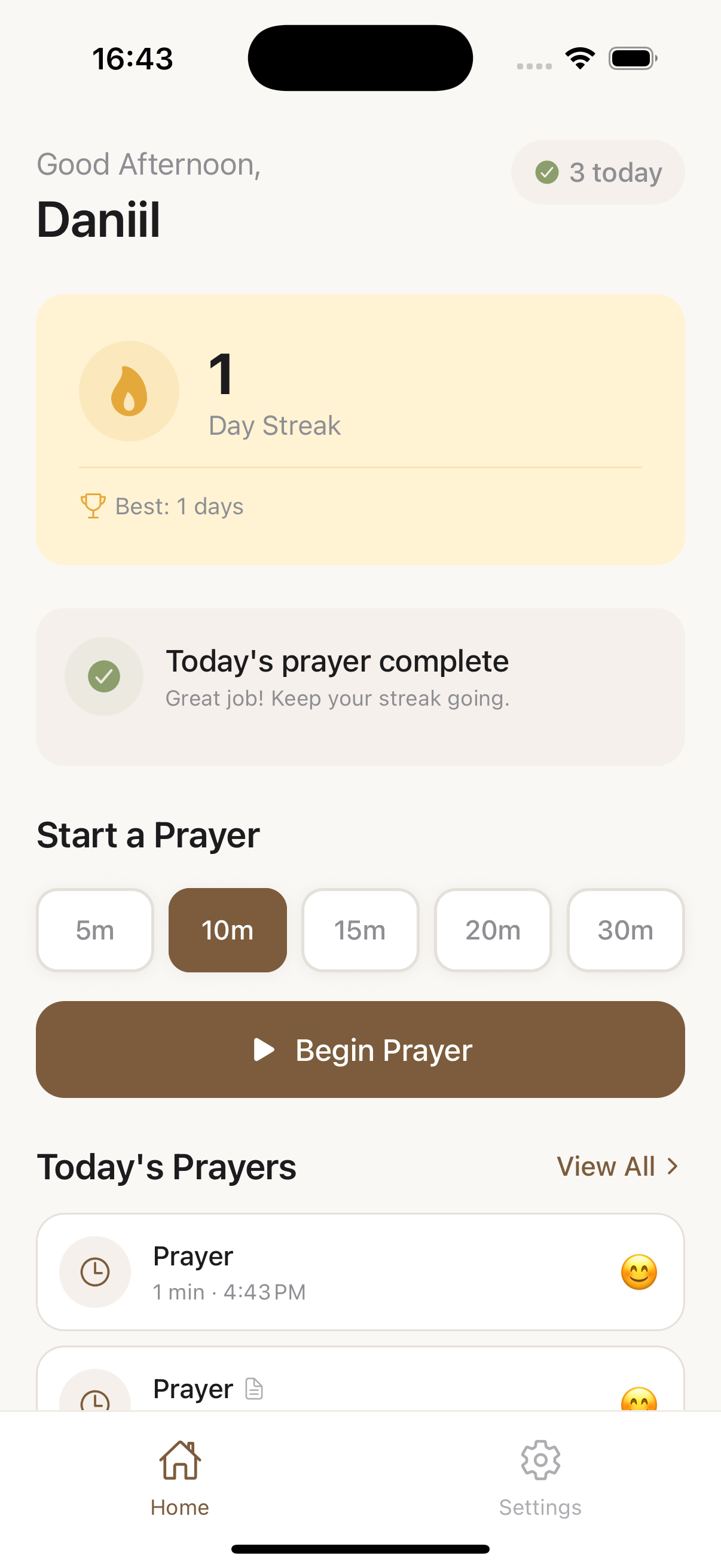
Prayer Lock gently holds your phone until you have spent time with God. Let prayer come before the scroll, and let your quiet time be protected.
A simple, gentle rhythm that puts prayer first thing in the morning.
Pick the apps you reach for first thing — the ones that pull you away from prayer before the day begins.
Each morning those apps stay quiet. Your phone waits while you turn your heart toward God.
When you have spent time with God, your phone opens back up — prayer first, everything else after.
Small, thoughtful tools to help your walk with God become a daily habit.
Remove the pull of the screen in the morning so your quiet time is the first thing you do, not the last.
Watch your quiet time grow day by day. A gentle streak that encourages faithfulness without pressure.
Look back on your prayers and see how God has been at work. Space to reflect and to give thanks.
Trade a few minutes of scrolling for a few minutes with the Lord, and let it shape your whole day.
Prayer Lock is for believers who mean to pray but reach for the phone first. If you long for unhurried morning time with God — and could use a gentle hand to guard it — this was made for you.
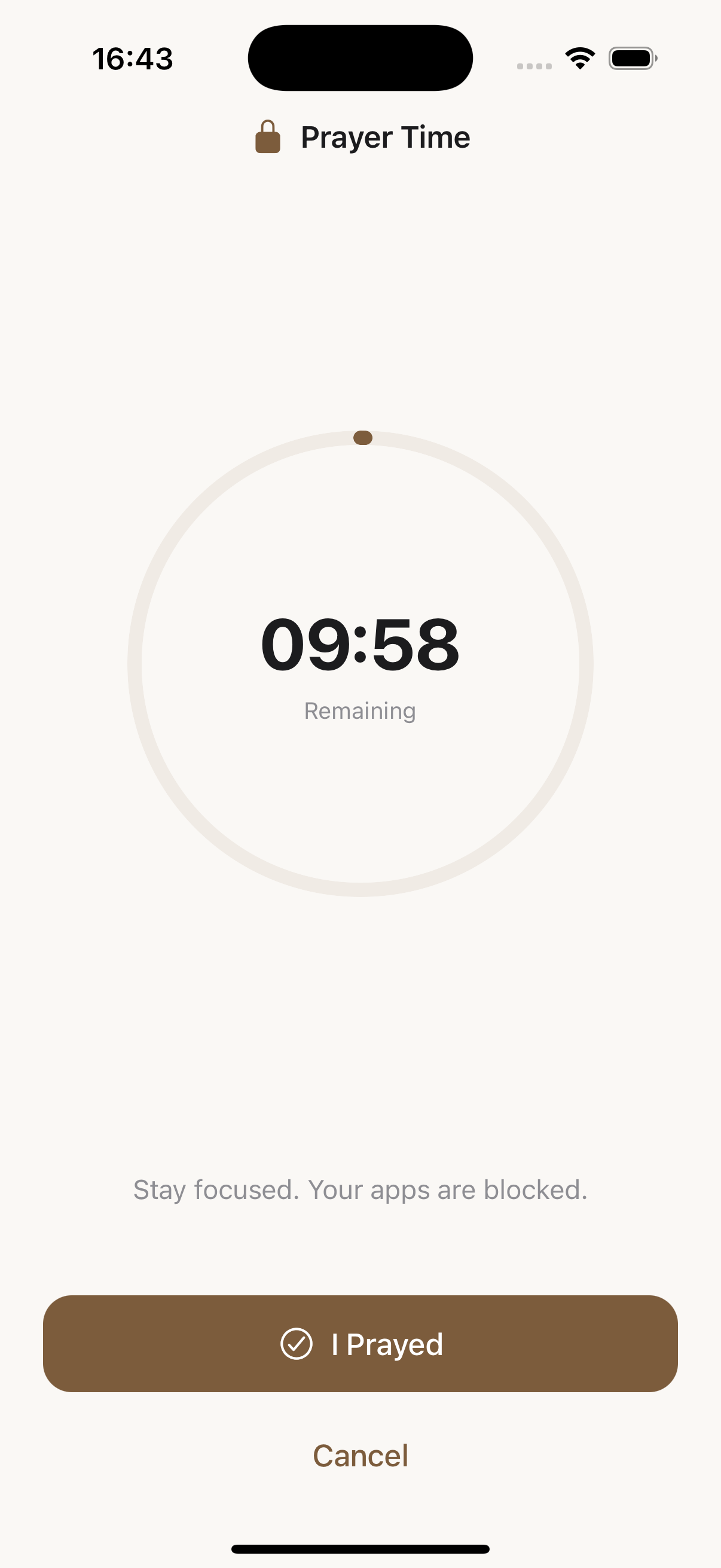
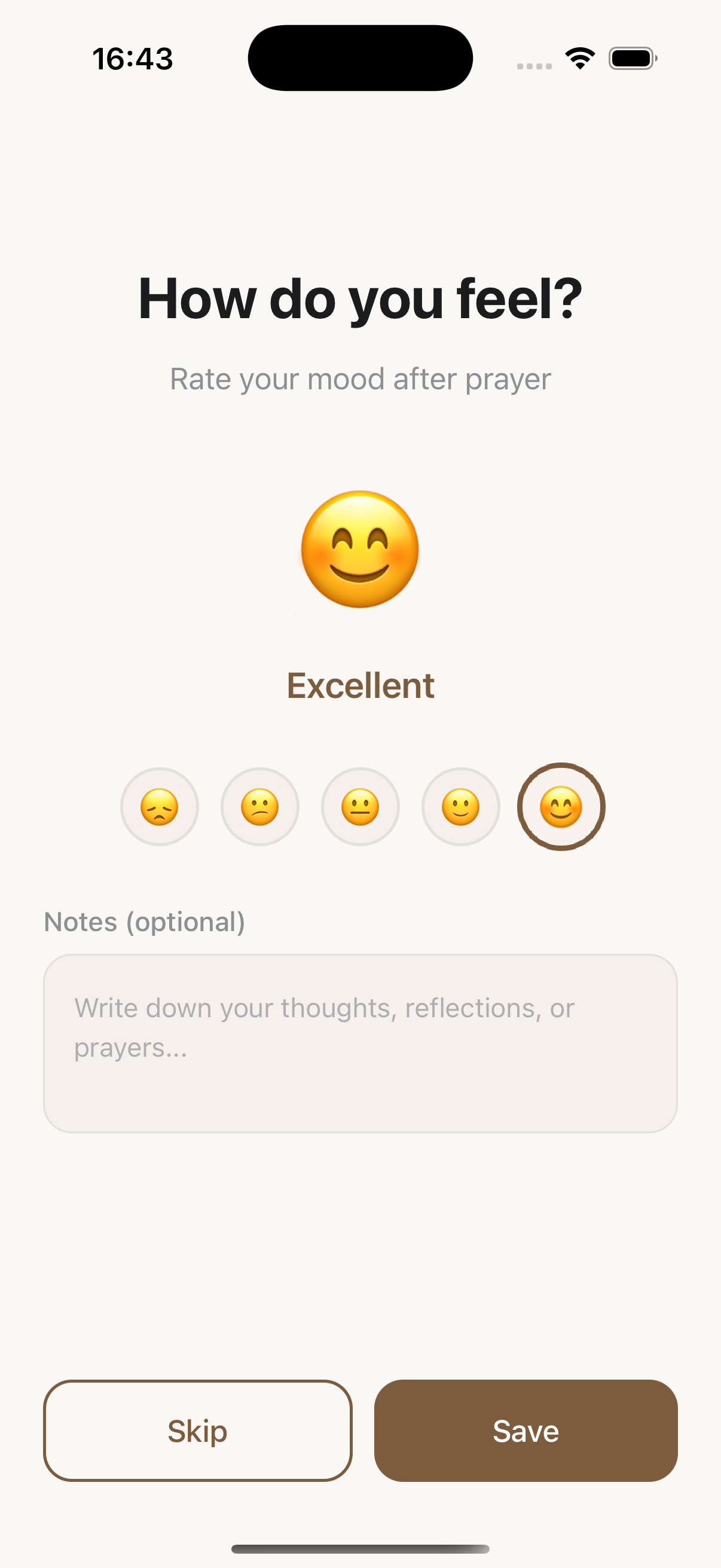
Prayer Lock is an iOS app that helps you protect your daily quiet time with God. It keeps chosen apps locked each morning until you take time to pray, so your first minutes go to God instead of a screen.
You choose which apps you want to hold back. Prayer Lock keeps them locked when you wake up, and they only unlock once you have finished your quiet time. It gently removes the distraction so prayer comes first.
No — Prayer Lock is a paid subscription, priced to be more affordable than most prayer apps.
Not yet. Prayer Lock is currently available on iOS. An Android version is on the way, and you can join the waitlist to be notified when it launches.
No. Your prayers and reflections are private. Prayer Lock does not read them, and anything you write stays yours.
That is okay. Prayer Lock is built on grace, not guilt. If you miss a day your streak simply restarts, and you are welcome to begin again the very next morning.